
Skip to content
View in the app

A better way to browse. Learn more.

Patchworkers Plus+

A full-screen app on your home screen with push notifications, badges and more.
To install this app on iOS and iPadOS
  1. Tap the Share icon in Safari
  2. Scroll the menu and tap Add to Home Screen.
  3. Tap Add in the top-right corner.
To install this app on Android
  1. Tap the 3-dot menu (⋮) in the top-right corner of the browser.
  2. Tap Add to Home screen or Install app.
  3. Confirm by tapping Install.
A group blog by Plus Members in Member Updates
  • Entries

    14
  • Comments

    33
  • Views

    9,089

Contributors to this blog

  • Becky J. 6
  • Megan V 3
  • Charlotte Odom 1
  • Janice Chapman 1
  • Althea F 1
  • Pam Marvel 1
  • Jacinta 1

About this blog

Our motto is never quilt alone.  So, this is a great place to start sharing what you are working on with others! It's a little different then the forum - not topic specific, it's about YOU sharing what your up to with us as often as you'd like.

Entries in this blog

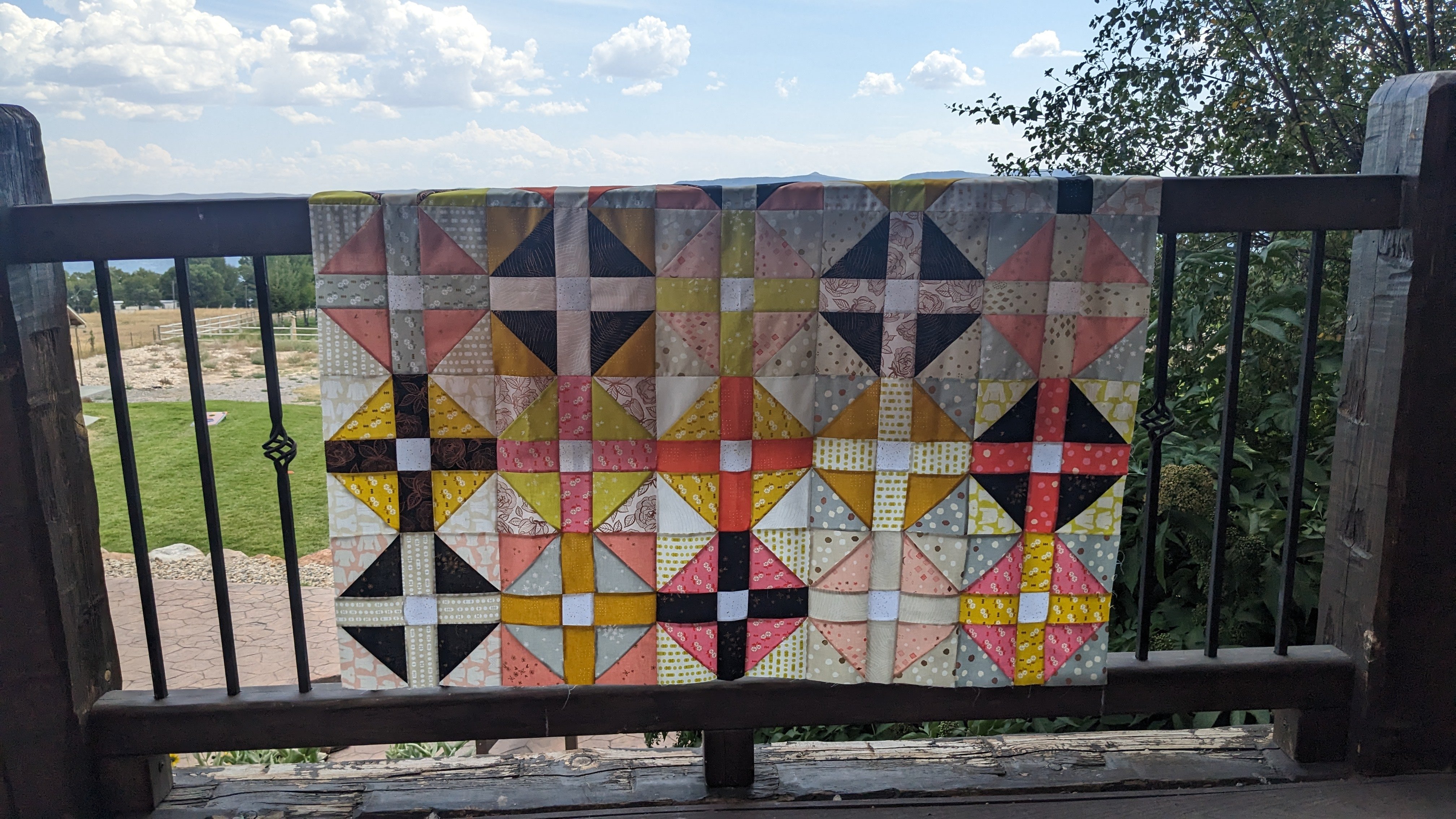
Our living room is getting a bit of a makeover—nothing super fancy: a new-to-us sofa from Facebook Marketplace, some new pillow covers, a vintage rocker in need of updated cushions, a new-but-vintage ottoman, a CRIBBAGE TABLE!!!, and the Crosswind Mystery Quilt. ⬅️ The grandbabies idea of redecorating. Enzo is under the blue pillows and Bentley the green.        With the closing of Joann Fabrics, the selection around here is only fair-to-middling.  Yes, there
Megan V

Account

Navigation

Configure browser push notifications

Chrome (Android)
  1. Tap the lock icon next to the address bar.
  2. Tap Permissions → Notifications.
  3. Adjust your preference.
Chrome (Desktop)
  1. Click the padlock icon in the address bar.
  2. Select Site settings.
  3. Find Notifications and adjust your preference.